> ## Documentation Index
> Fetch the complete documentation index at: https://docs.meowgic.ai/llms.txt
> Use this file to discover all available pages before exploring further.
# How to use Meowgic Task for e-commerce operations
> Use Meowgic Task to put an AI e-commerce team to work on campaign planning, store data analysis, inventory updates, and more.
## What is Meowgic Task?
Meowgic Task gives you an AI e-commerce team that can take on everyday operations and focused projects.
You can use Task to:
* Build a product launch plan
* Prepare a seasonal marketing campaign
* Review today's orders and summarize sales performance
* Update inventory for a list of SKUs
* Audit a product page and prioritize improvements
* Review your current theme and recommend specific changes
* Find growth opportunities in your store data
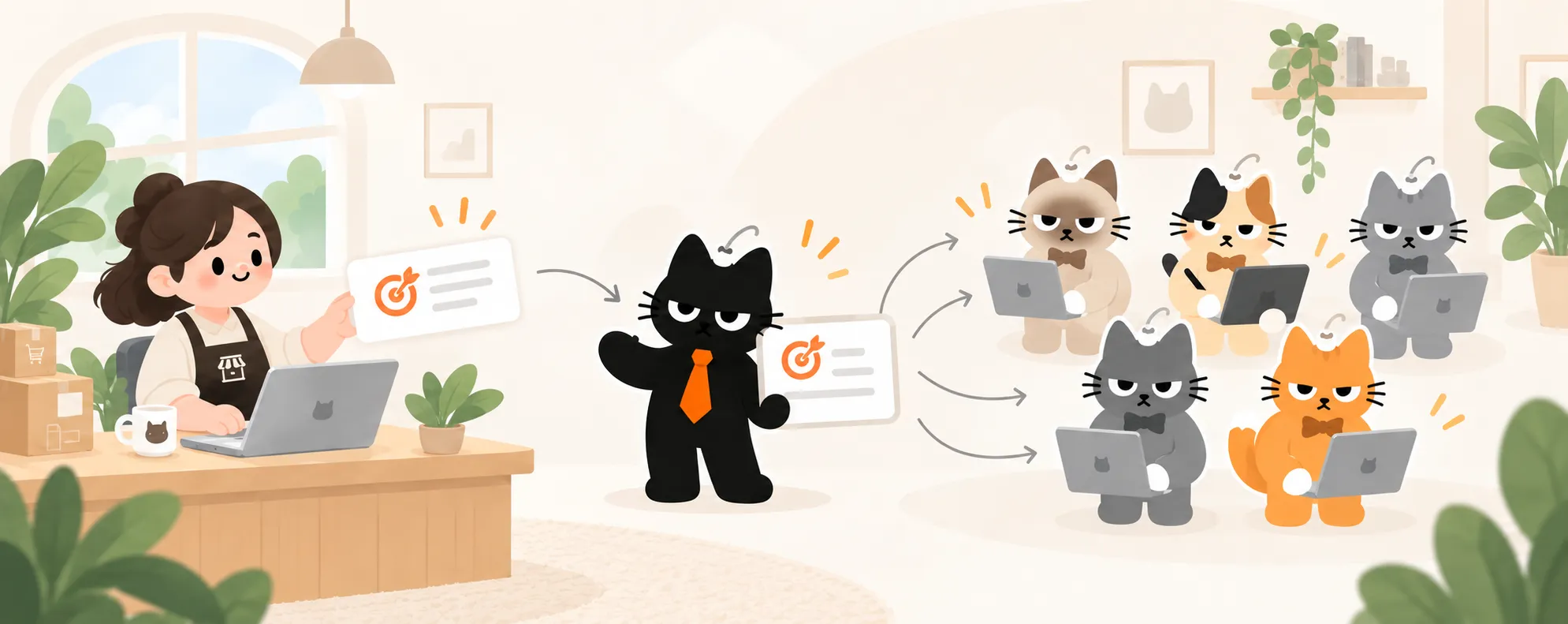
Tell Task what outcome you need. The Team leader will fill in any missing details and bring in the right specialists to complete the work.
 ## Meet your AI Team
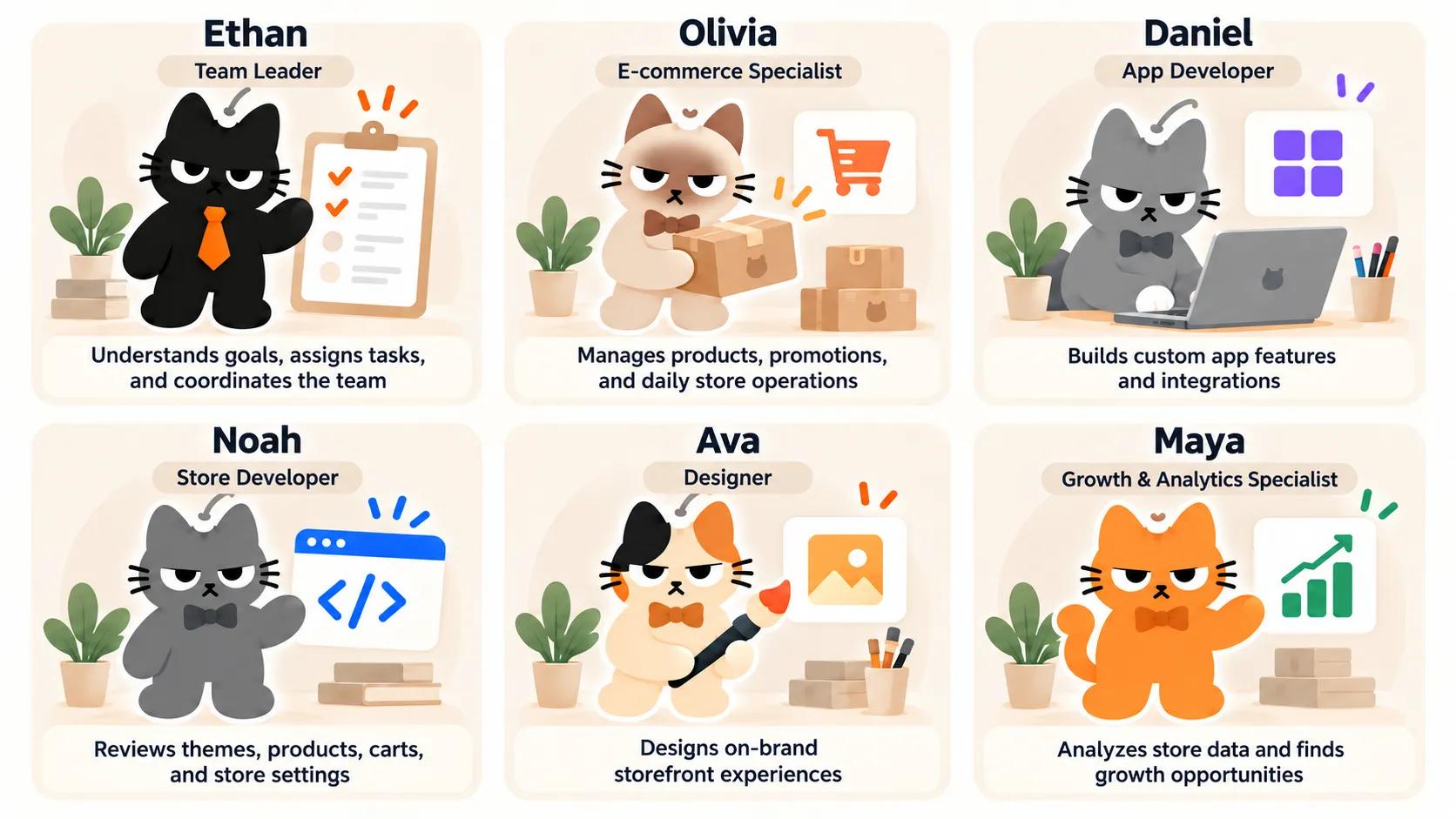 Ethan coordinates the AI Team. Olivia, Daniel, Noah, Ava, and Maya specialize in store operations, app development, storefront development, visual design, and growth analytics.
## How Task works
Select **New task** in the Meowgic sidebar, then explain what you want to accomplish and what a useful result should include.
If important information is missing, the Team leader will ask for it. For example, if you have connected more than one store, you will need to choose the store for this Task.
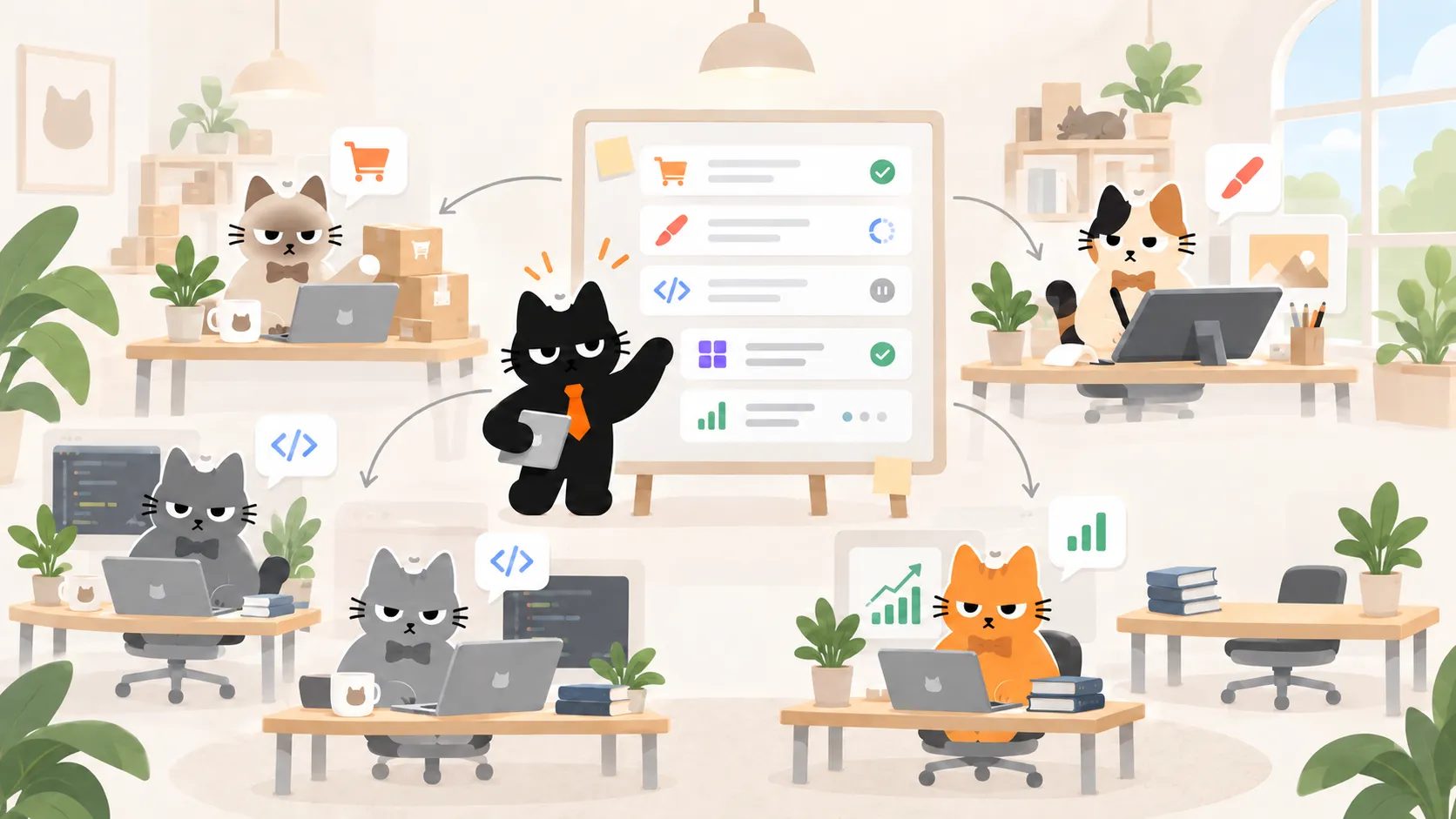
The Team leader decides which specialists are needed and assigns the work. You can see who is involved and what each team member is working on inside the Task.
Once the specialists finish their work, the Team leader brings the results together. If the next action would change store data, Task will show you the proposed changes first.
You can approve the changes, request revisions, or stop the action. Task will not change store data without your confirmation.
Ethan coordinates the AI Team. Olivia, Daniel, Noah, Ava, and Maya specialize in store operations, app development, storefront development, visual design, and growth analytics.
## How Task works
Select **New task** in the Meowgic sidebar, then explain what you want to accomplish and what a useful result should include.
If important information is missing, the Team leader will ask for it. For example, if you have connected more than one store, you will need to choose the store for this Task.
The Team leader decides which specialists are needed and assigns the work. You can see who is involved and what each team member is working on inside the Task.
Once the specialists finish their work, the Team leader brings the results together. If the next action would change store data, Task will show you the proposed changes first.
You can approve the changes, request revisions, or stop the action. Task will not change store data without your confirmation.
 ## How to write a clear Task request
To help Task produce a useful result, include these four types of information:
| Information | What to include |
| :------------------ | :---------------------------------------------------------------------- |
| **Goal** | What do you want Task to accomplish? |
| **Context** | What should Task know about the business, product, market, or campaign? |
| **Boundaries** | What may Task work on, and what must remain unchanged? |
| **Expected result** | What should Task deliver, and how will you know the work is complete? |
A vague request:
```text theme={null}
Analyze today's traffic.
```
A clearer request:
```text theme={null}
Analyze today's traffic for my store and tell me:
1. Which channel drove the most visits?
2. If ad attribution data is available, which ad ID drove the most traffic, and which product did it promote?
3. Based only on the available data, list the likely reasons customers did not complete checkout. Include the evidence and uncertainty behind each reason.
End with the one issue I should prioritize today and the next action you recommend. Read and analyze only. Do not change any store data.
```
The second request defines the time period, the questions to answer, what Task is allowed to do, and the result you want.
## When does Task need store data?
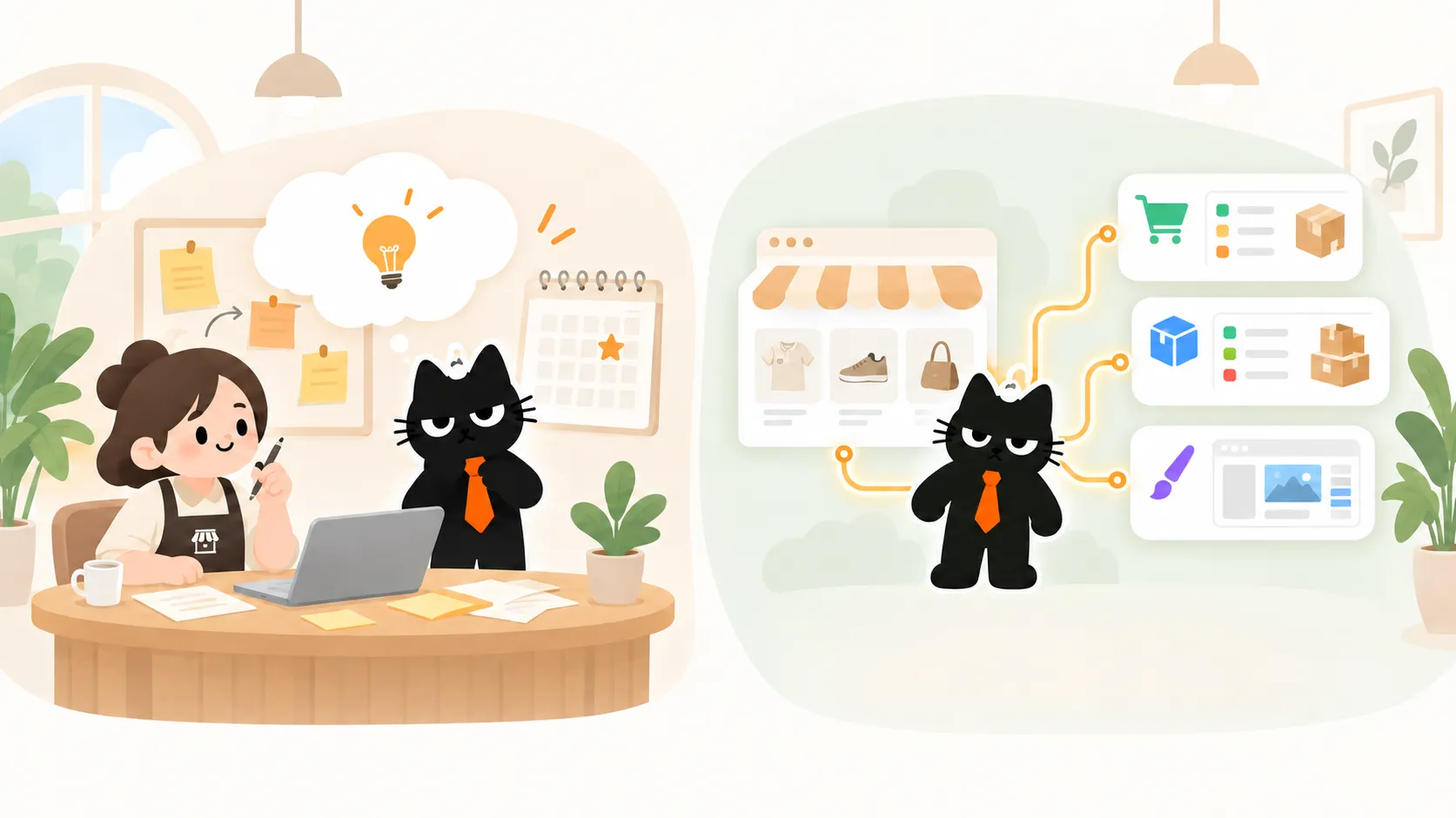
Use one simple rule: if the work requires Task to read or change information in a real store, select a connected store.
Start immediately when Task can work from the information you provide, such as planning a campaign, organizing ideas, or reviewing pasted materials.
Select a connected store when Task needs to review orders, products, inventory, traffic, or the current theme.
You can use Task without connecting a store, but we strongly recommend connecting one to get the most from your AI Team.
Even for a product launch plan, working from current store data produces a more relevant plan than working from assumptions alone.
You only need to connect a store once. After that, you can select it in future Tasks without authorizing it again each time.
## How to write a clear Task request
To help Task produce a useful result, include these four types of information:
| Information | What to include |
| :------------------ | :---------------------------------------------------------------------- |
| **Goal** | What do you want Task to accomplish? |
| **Context** | What should Task know about the business, product, market, or campaign? |
| **Boundaries** | What may Task work on, and what must remain unchanged? |
| **Expected result** | What should Task deliver, and how will you know the work is complete? |
A vague request:
```text theme={null}
Analyze today's traffic.
```
A clearer request:
```text theme={null}
Analyze today's traffic for my store and tell me:
1. Which channel drove the most visits?
2. If ad attribution data is available, which ad ID drove the most traffic, and which product did it promote?
3. Based only on the available data, list the likely reasons customers did not complete checkout. Include the evidence and uncertainty behind each reason.
End with the one issue I should prioritize today and the next action you recommend. Read and analyze only. Do not change any store data.
```
The second request defines the time period, the questions to answer, what Task is allowed to do, and the result you want.
## When does Task need store data?
Use one simple rule: if the work requires Task to read or change information in a real store, select a connected store.
Start immediately when Task can work from the information you provide, such as planning a campaign, organizing ideas, or reviewing pasted materials.
Select a connected store when Task needs to review orders, products, inventory, traffic, or the current theme.
You can use Task without connecting a store, but we strongly recommend connecting one to get the most from your AI Team.
Even for a product launch plan, working from current store data produces a more relevant plan than working from assumptions alone.
You only need to connect a store once. After that, you can select it in future Tasks without authorizing it again each time.
 If your store is not connected yet, follow the guide for your platform:
Connection guide
Shopify
→
Connection guide
SHOPLINE
→
Connection guide
Shoplazza
→
## Ready-to-use Task examples
### Plan a product launch
This example works from the information you provide, so it does not require a connected store.
```text theme={null}
I plan to launch a line of personalized phone cases in the United States next month.
Create a launch plan that covers the information needed on the product page, the customization steps customers need to understand, the pre-launch checklist, and ideas for promotional content.
Keep the current brand positioning. Do not assume product capabilities I have not provided. Ask follow-up questions when important information is missing.
```
### Review today's orders
This Task needs access to real order data, so select the connected store you want to review.
```text theme={null}
Review today's orders for my store.
Summarize the order count, sales revenue, best-selling products, and any unusual activity that needs attention. Read and analyze only. Do not change orders, products, or inventory.
End with the three findings I should prioritize.
```
### Update inventory for multiple SKUs
This Task needs to read and update real inventory. Select a connected store and approve the proposed changes before Task applies them.
```text theme={null}
Check the current inventory for the SKUs below and prepare to update each SKU to the quantity provided:
[Add the SKUs and target quantities here]
First, show a table with the SKU, current inventory, and new inventory. Do not change any other SKUs. Show me the complete list of proposed changes and wait for my confirmation before applying them.
```
### Review a product page
This Task needs to read the current theme, so select a connected store. Task can inspect the page and recommend specific improvements, but it cannot edit or publish the live theme.
```text theme={null}
Review the product information area on the current product page. Focus on the product title, price, variant selector, quantity selector, and Add to cart button.
Identify the one issue that has the greatest effect on customer understanding or purchase completion. Tell me:
1. Where does the issue appear?
2. Why could it affect customers?
3. What should I change?
4. How should I verify the result after the change?
Keep the current brand style. Limit the review to the product information area. Do not extend the recommendations to the header, footer, product data, pricing, inventory, or other theme templates.
Provide analysis and recommendations only. Do not edit or publish my live theme.
```
## Frequently asked questions
No. You can start immediately when Task only needs the information you provide, such as when you are planning a campaign or organizing an operational plan.
Select a connected store when Task needs to read orders, products, inventory, traffic, or theme data, or when you want it to update inventory.
If the store is already connected, select it without authorizing it again.
No. The Team leader selects the specialists needed for the work. Not every Task uses every team member.
Meowgic supports Shopify, SHOPLINE, and Shoplazza stores.
No. Reading and analyzing data does not change your store.
If you ask Task to update inventory, it will show the proposed changes and wait for your confirmation before applying them.
No.
Task can review and inspect your current theme. If you want to make changes, it will guide you to create a draft copy first, and all edits will be made in that draft.
Task will ask which store to use for the current work.
Check the store name and platform before continuing.
If your store is not connected yet, follow the guide for your platform:
Connection guide
Shopify
→
Connection guide
SHOPLINE
→
Connection guide
Shoplazza
→
## Ready-to-use Task examples
### Plan a product launch
This example works from the information you provide, so it does not require a connected store.
```text theme={null}
I plan to launch a line of personalized phone cases in the United States next month.
Create a launch plan that covers the information needed on the product page, the customization steps customers need to understand, the pre-launch checklist, and ideas for promotional content.
Keep the current brand positioning. Do not assume product capabilities I have not provided. Ask follow-up questions when important information is missing.
```
### Review today's orders
This Task needs access to real order data, so select the connected store you want to review.
```text theme={null}
Review today's orders for my store.
Summarize the order count, sales revenue, best-selling products, and any unusual activity that needs attention. Read and analyze only. Do not change orders, products, or inventory.
End with the three findings I should prioritize.
```
### Update inventory for multiple SKUs
This Task needs to read and update real inventory. Select a connected store and approve the proposed changes before Task applies them.
```text theme={null}
Check the current inventory for the SKUs below and prepare to update each SKU to the quantity provided:
[Add the SKUs and target quantities here]
First, show a table with the SKU, current inventory, and new inventory. Do not change any other SKUs. Show me the complete list of proposed changes and wait for my confirmation before applying them.
```
### Review a product page
This Task needs to read the current theme, so select a connected store. Task can inspect the page and recommend specific improvements, but it cannot edit or publish the live theme.
```text theme={null}
Review the product information area on the current product page. Focus on the product title, price, variant selector, quantity selector, and Add to cart button.
Identify the one issue that has the greatest effect on customer understanding or purchase completion. Tell me:
1. Where does the issue appear?
2. Why could it affect customers?
3. What should I change?
4. How should I verify the result after the change?
Keep the current brand style. Limit the review to the product information area. Do not extend the recommendations to the header, footer, product data, pricing, inventory, or other theme templates.
Provide analysis and recommendations only. Do not edit or publish my live theme.
```
## Frequently asked questions
No. You can start immediately when Task only needs the information you provide, such as when you are planning a campaign or organizing an operational plan.
Select a connected store when Task needs to read orders, products, inventory, traffic, or theme data, or when you want it to update inventory.
If the store is already connected, select it without authorizing it again.
No. The Team leader selects the specialists needed for the work. Not every Task uses every team member.
Meowgic supports Shopify, SHOPLINE, and Shoplazza stores.
No. Reading and analyzing data does not change your store.
If you ask Task to update inventory, it will show the proposed changes and wait for your confirmation before applying them.
No.
Task can review and inspect your current theme. If you want to make changes, it will guide you to create a draft copy first, and all edits will be made in that draft.
Task will ask which store to use for the current work.
Check the store name and platform before continuing.
## Related reading
Learn how to provide images, reference links, and useful context so Meowgic can understand your goal more accurately.
Explore app integration guides for Shopify, SHOPLINE, and Shoplazza.
Learn how to create, publish, and install a Meowgic app in your store.
Learn about Meowgic's core capabilities and the complete workflow.
## Article update
Added guidance on store data access, change approvals, and live theme limitations.