> ## Documentation Index
> Fetch the complete documentation index at: https://docs.meowgic.ai/llms.txt
> Use this file to discover all available pages before exploring further.
# Welcome to Meowgic
> Work with an AI commerce team in Task, build apps for your store, and use ready-made Meowgic Tools for everyday e-commerce work.
Meowgic is a place to get e-commerce work moving. Bring a goal to your AI team, turn a store idea into an app, or open a ready-made tool for the job in front of you.
Planning a launch? Imagining a new storefront feature? Need to finish something today? Start here.

## Before you start, connect your store
We strongly recommend installing Meowgic from your platform's App Store and connecting your store before starting store-related work in Task or Apps.
Once connected, Task can use real store data to analyze your business, check issues, and make changes to store data after your confirmation. Storefront features you create in Apps can then follow the theme integration workflow for your platform.
Choose your platform to install Meowgic from its App Store:
App Store unavailable
Shopify
[Install app
SHOPLINE](https://apps.shopline.com/detail/meowgic)
[Install app
Shoplazza](https://appstore.shoplazza.com/listing/meowgic/?locale=en-US)
> [!NOTE]
>
> Installing Meowgic connects your store. To let shoppers use a feature you create on storefront pages, you also need to publish the app and complete theme integration.
You can also start directly with Tools or use Task to plan work from the information you provide.
## Choose where to start
### Task: Work with your AI team
Want to understand how sales changed this week or map out a new product launch? Start a Task.
Tell Meowgic what you're trying to accomplish and share the details you have. Your AI team coordinates the work, and you can review what it produces.
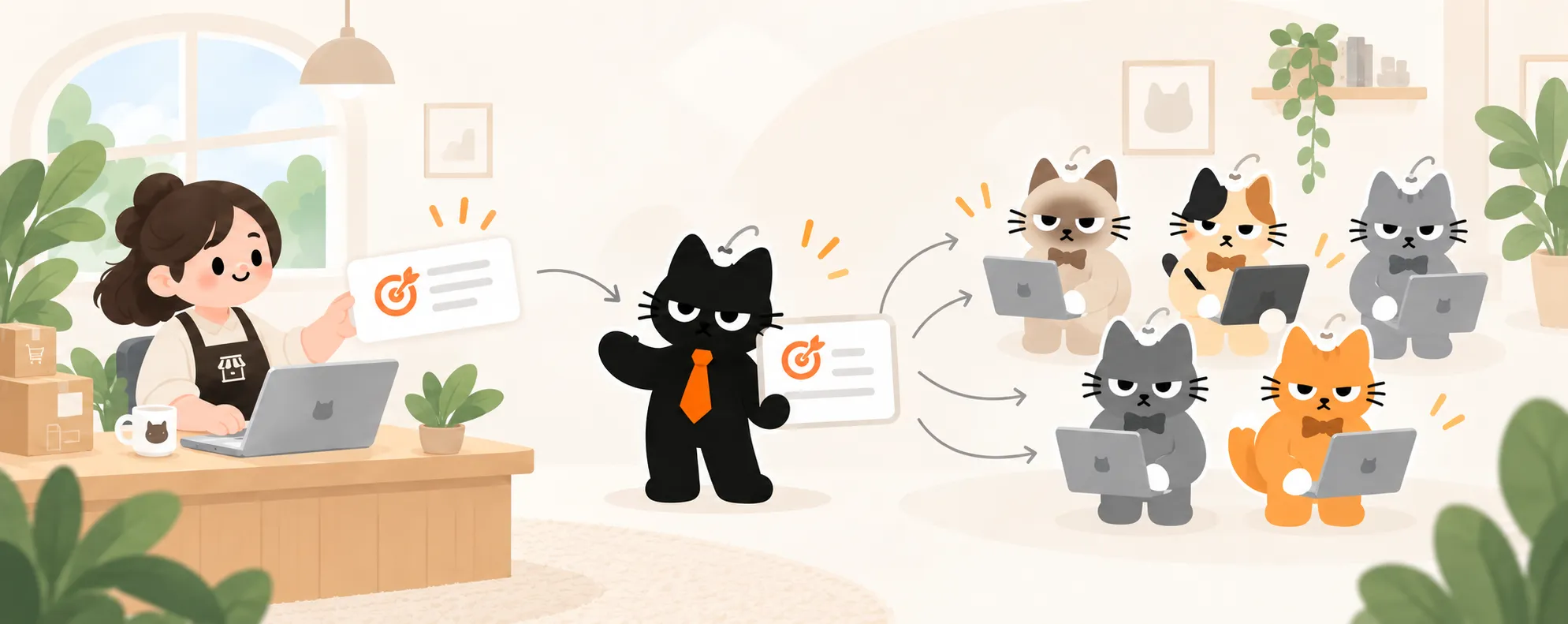
If the task needs real store data, connect your store first, then select it in Task.
### Apps: Build the feature you have in mind
Want shoppers to personalize a product, or give a new product a showcase that feels like your brand?
Describe your idea, and Meowgic AI helps you build an app around it.

Preview your app before publishing it. Apps that appear on storefront pages also need to be installed in your store theme using the steps for your platform. Publishing alone does not put them in front of shoppers.
### Tools: Ready when you are
Need a new image, a design extracted from a print-on-demand mockup, or product copy translated for another market?
Meowgic makes ready-to-use Tools for e-commerce work. Pick one, use it, and move on to your next task.

AI Image Generator
[Open](https://app.meowgic.ai/tools/ai-image-generator)
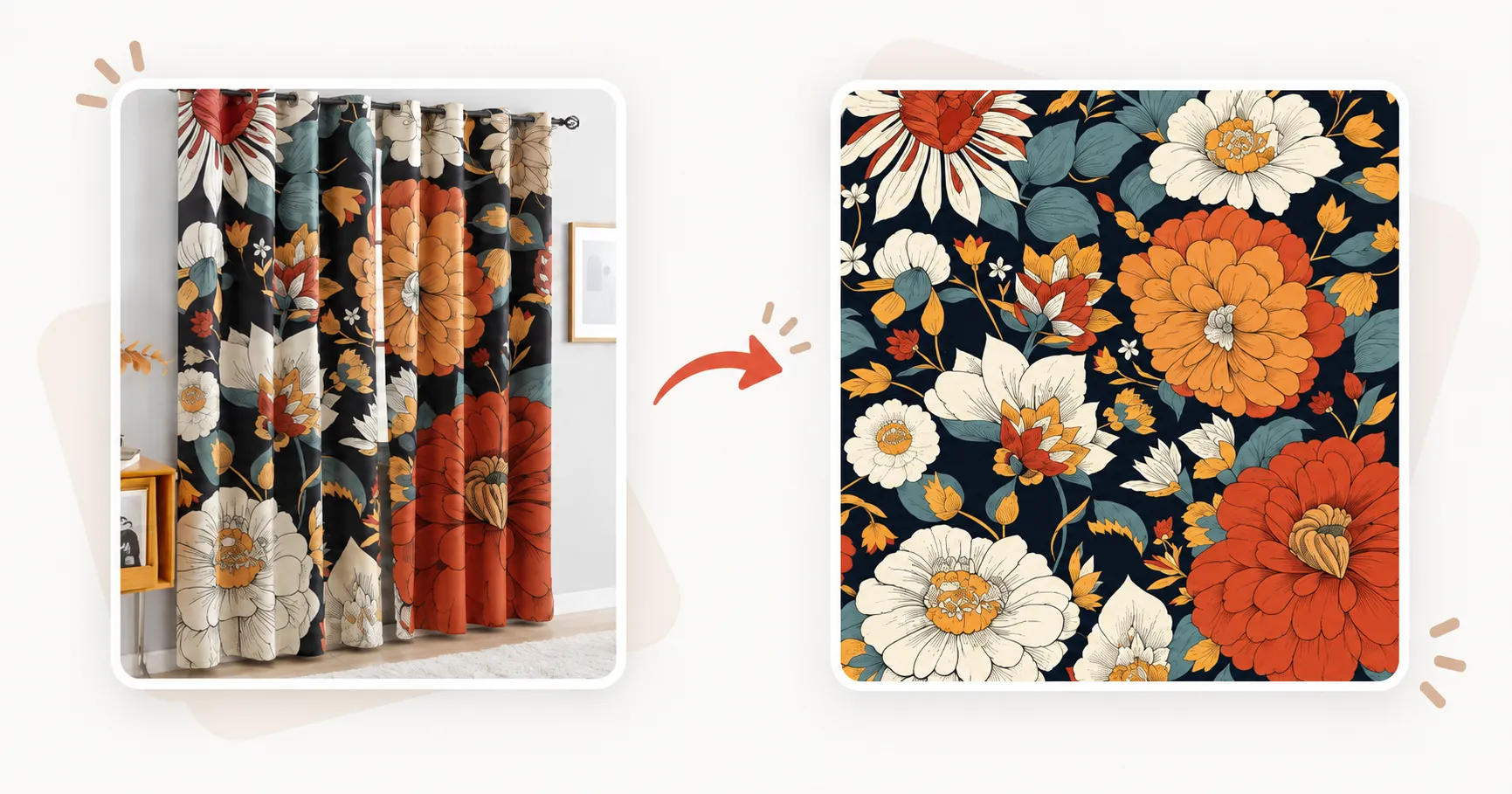
POD Artwork Extractor
[Open](https://app.meowgic.ai/tools/pod-artwork-extractor)
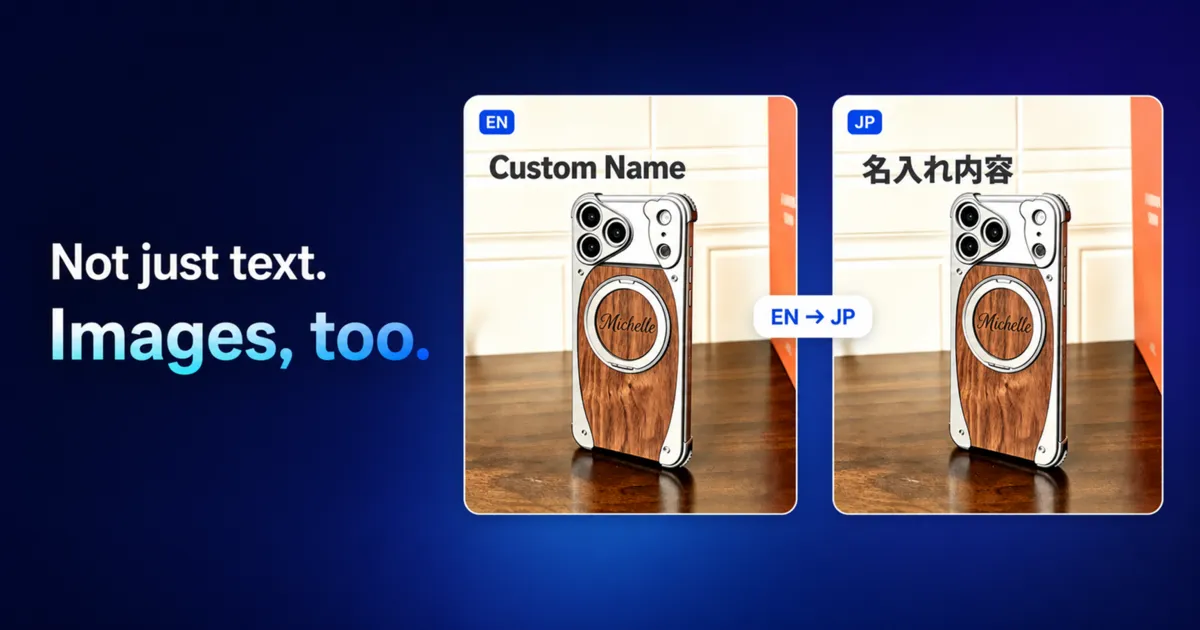
Text & Image Translator
[Open](https://app.meowgic.ai/tools/localtone)

Background Remover
[Open](https://app.meowgic.ai/tools/remove-background)
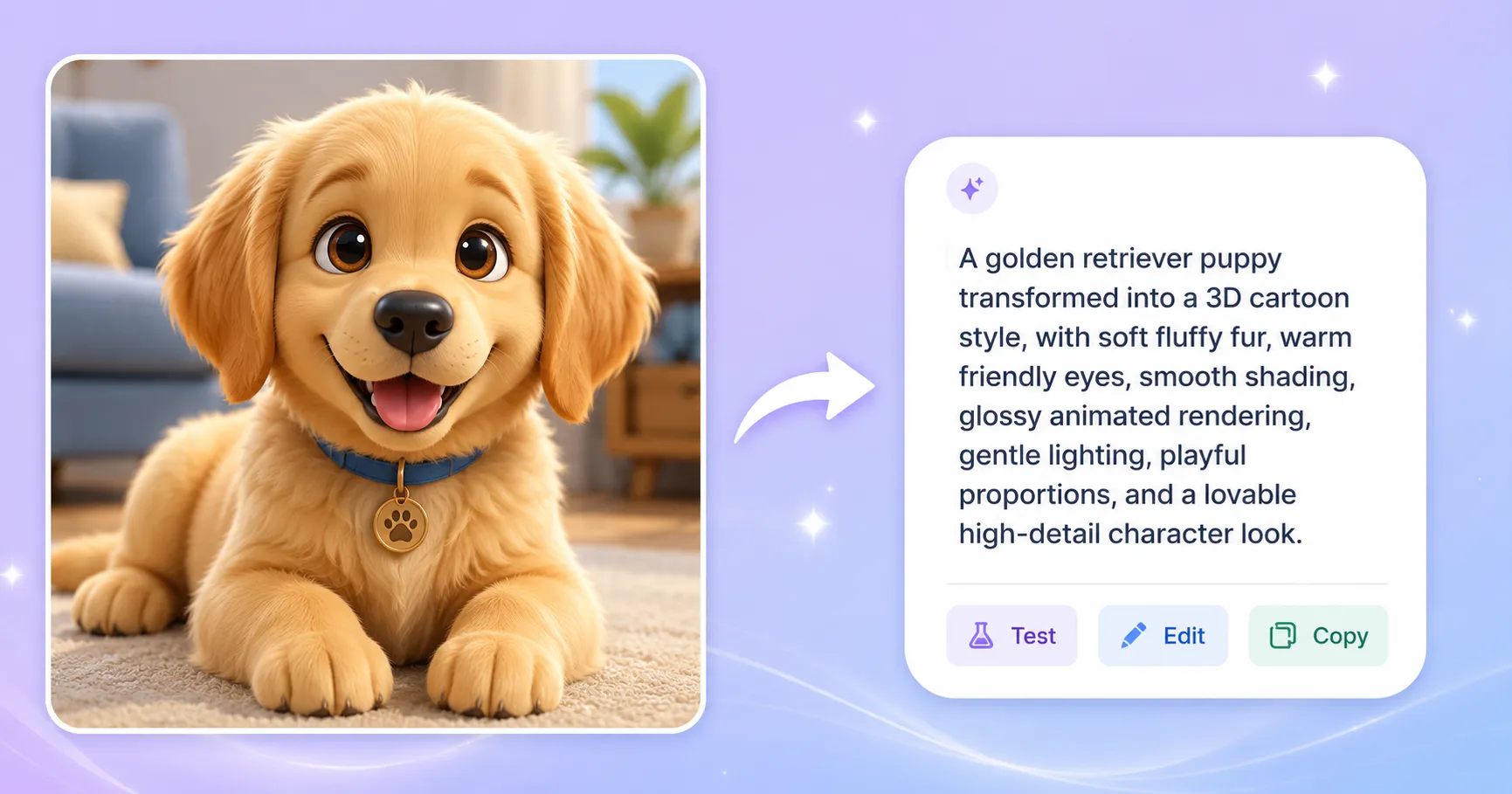
Image to Prompt
[Open](https://app.meowgic.ai/tools/prompt-reverse)
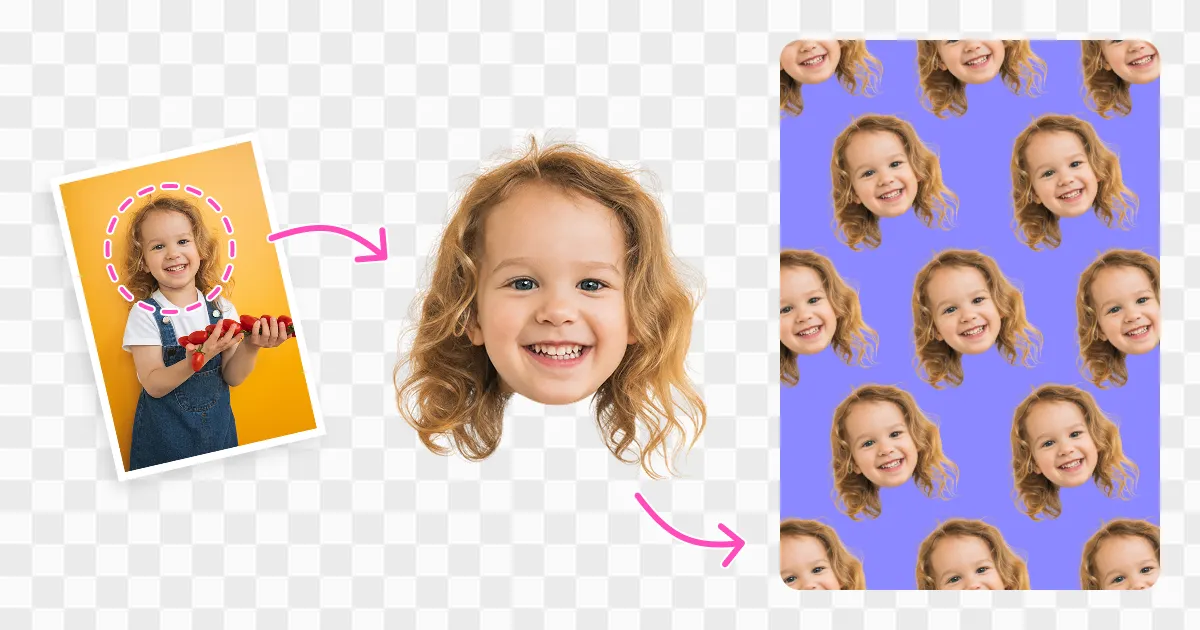
Face Cutout
[Open](https://app.meowgic.ai/tools/face-cutout)
## A product launch, three ways to begin
Start with the part of the launch you're working on right now.
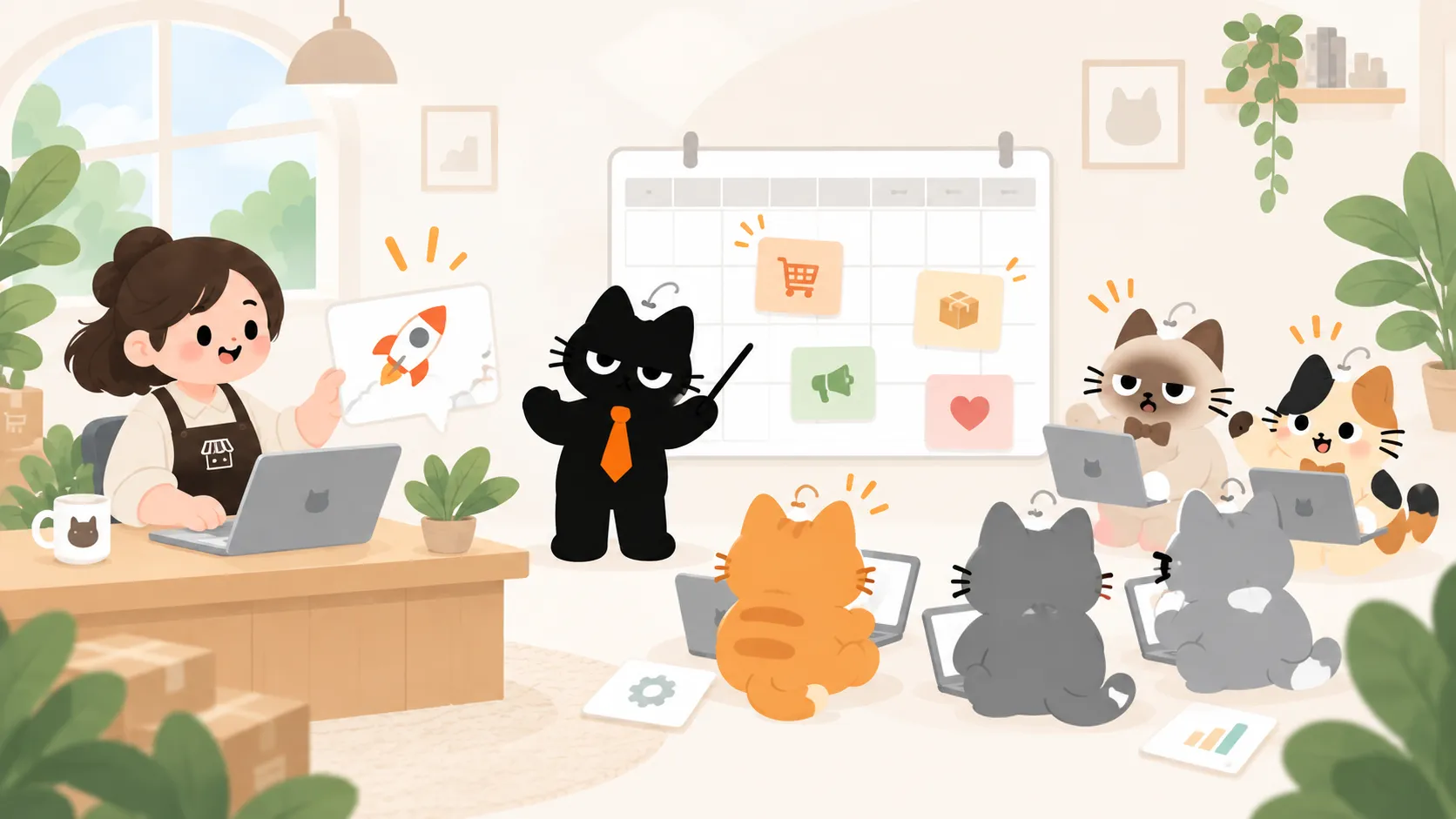
Task
Map out the launch with your AI team.
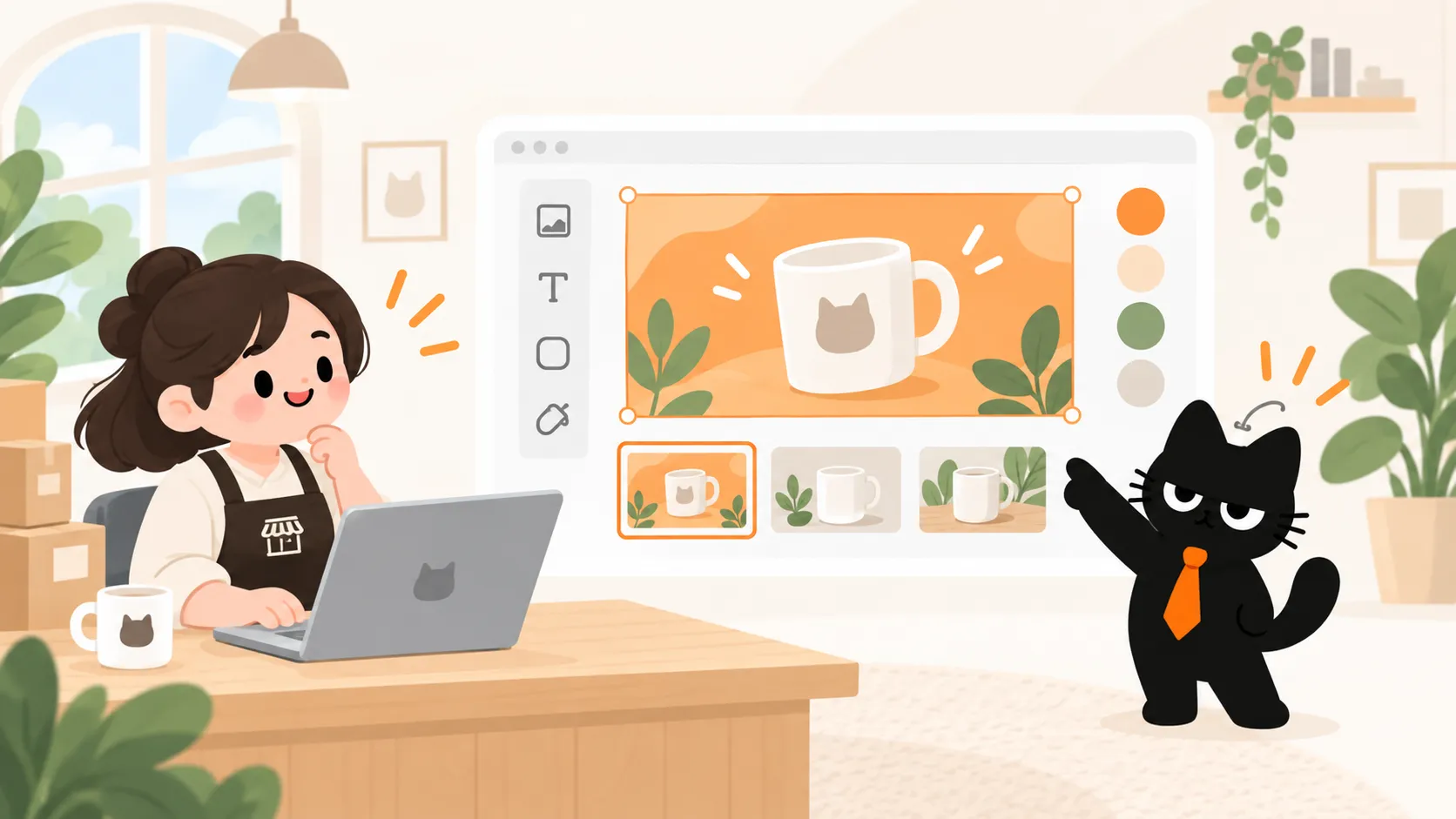
Apps
Build a product personalization feature.

Tools
Create launch visuals with an AI image tool.
Use one path on its own, or bring them together as your launch takes shape.
## Frequently asked questions
> [accordion] How are Apps different from Tools?
>
> With Apps, you describe a feature you want and Meowgic AI helps you create it. Tools are made by Meowgic and are ready to use.
> [accordion] Do I need to connect a store before starting a Task?
>
> We recommend connecting your store so Task can use real business data. You can also start directly when planning a campaign, organizing ideas, or working from the information you provide. Connect and select a store when the task needs to read or change real store data.
> [accordion] Does installing Meowgic from my platform's App Store add the apps I create to my storefront?
>
> Installing Meowgic connects your store. To let shoppers use a feature you create on storefront pages, publish that app and follow your platform's guide to complete theme integration and configuration.
> [accordion] Does publishing an app add it to my storefront?
>
> No. You can preview and publish an app first. To show a storefront feature to shoppers, follow the installation steps for your platform.
## Start with what needs doing
What's one thing you'd like to move forward today? Choose the way you want to begin.
> [card] [Explore Task](https://docs.meowgic.ai/tips-tricks/how-to-use-task.md)
>
> See how your AI team works together on a goal.
> [card] [Build an app](https://docs.meowgic.ai/tips-tricks/create-app-let-it-work-on-your-store.md)
>
> Learn how to preview, publish, and install your app.
> [card] [Browse Tools](https://app.meowgic.ai/en/tools)
>
> Find a ready-made tool for your next job.
This documentation is built and hosted on [Mintlify](https://mintlify.com), a developer documentation platform.